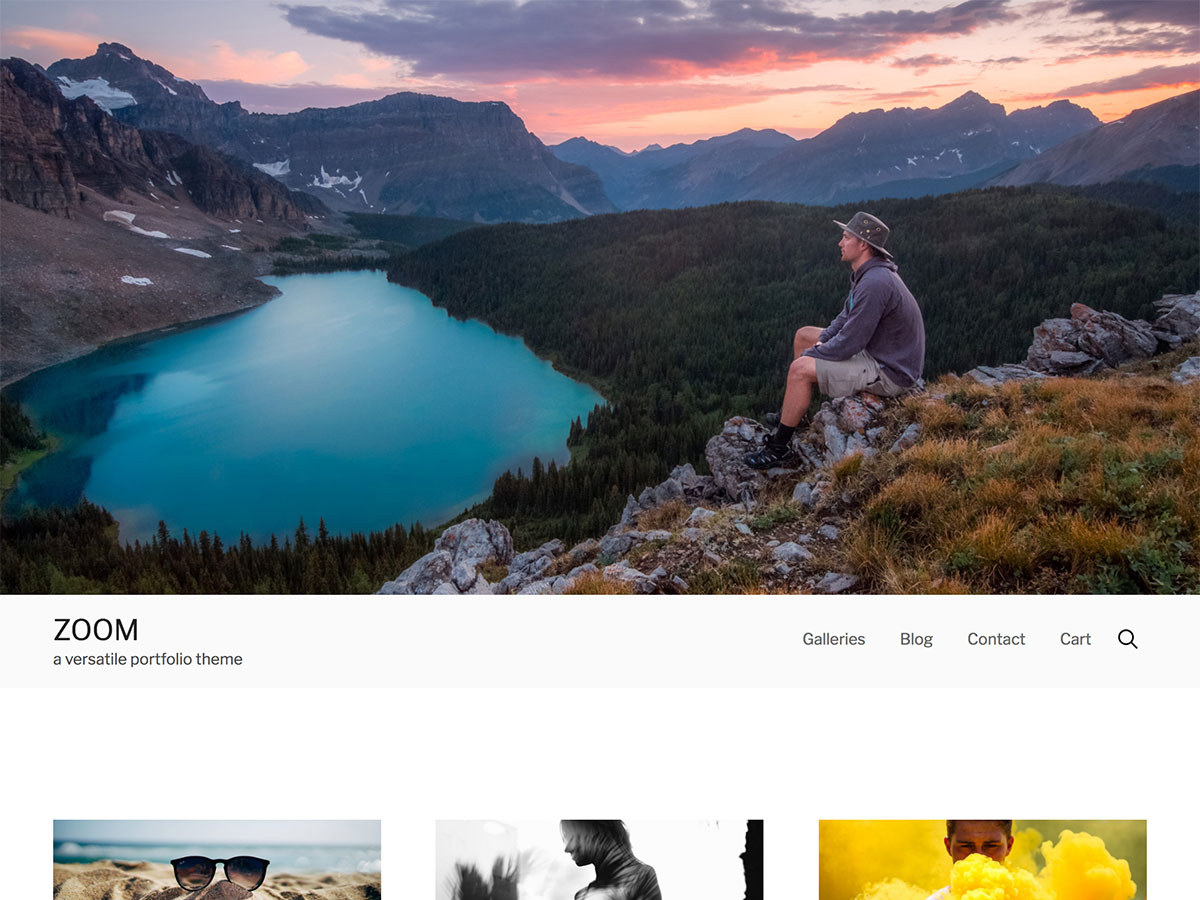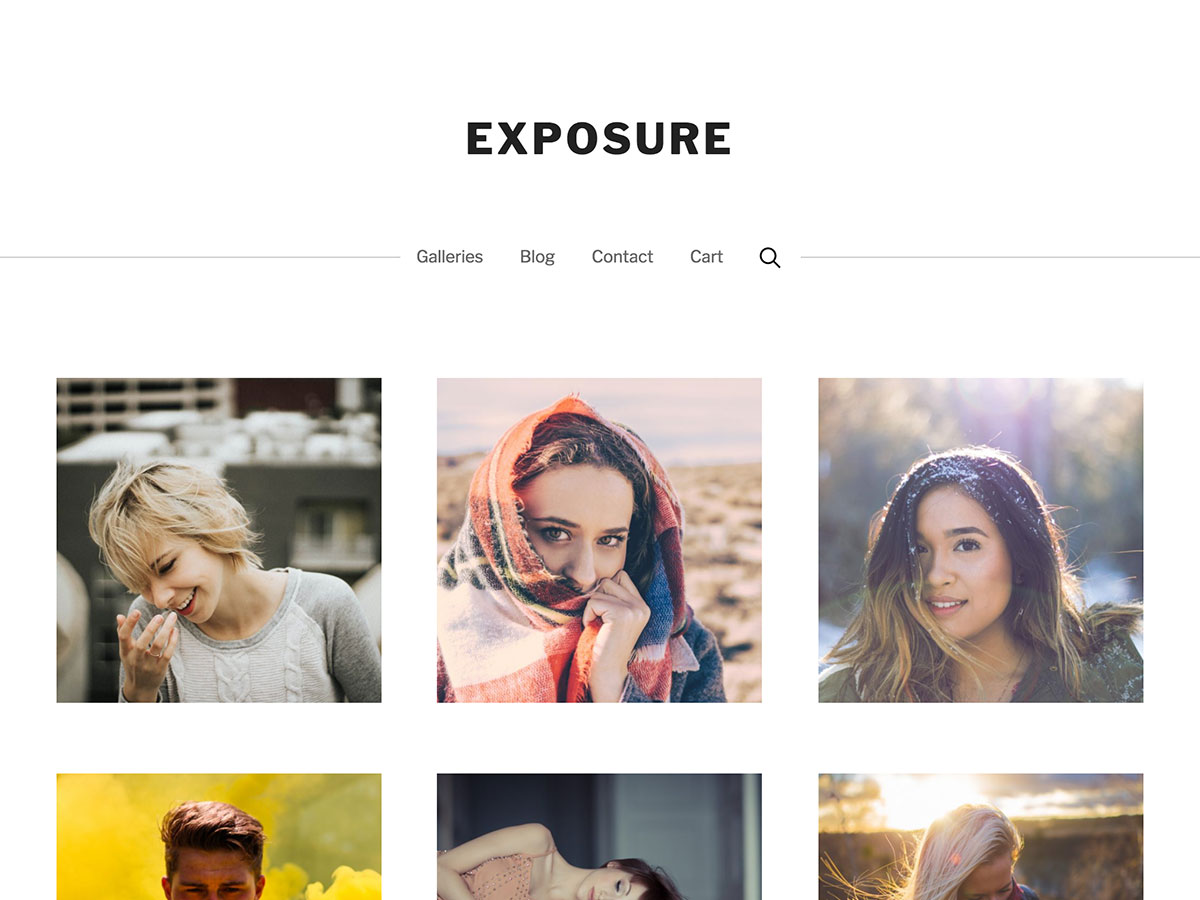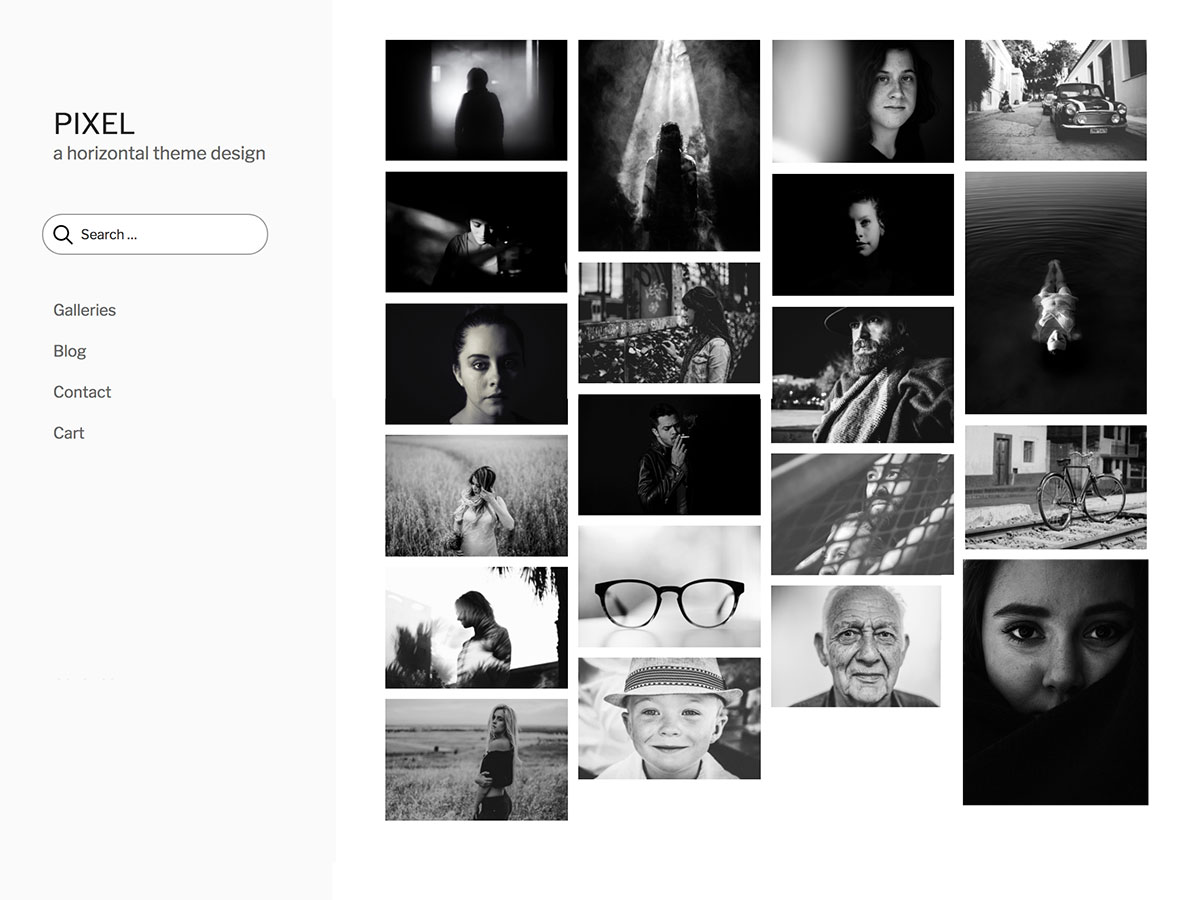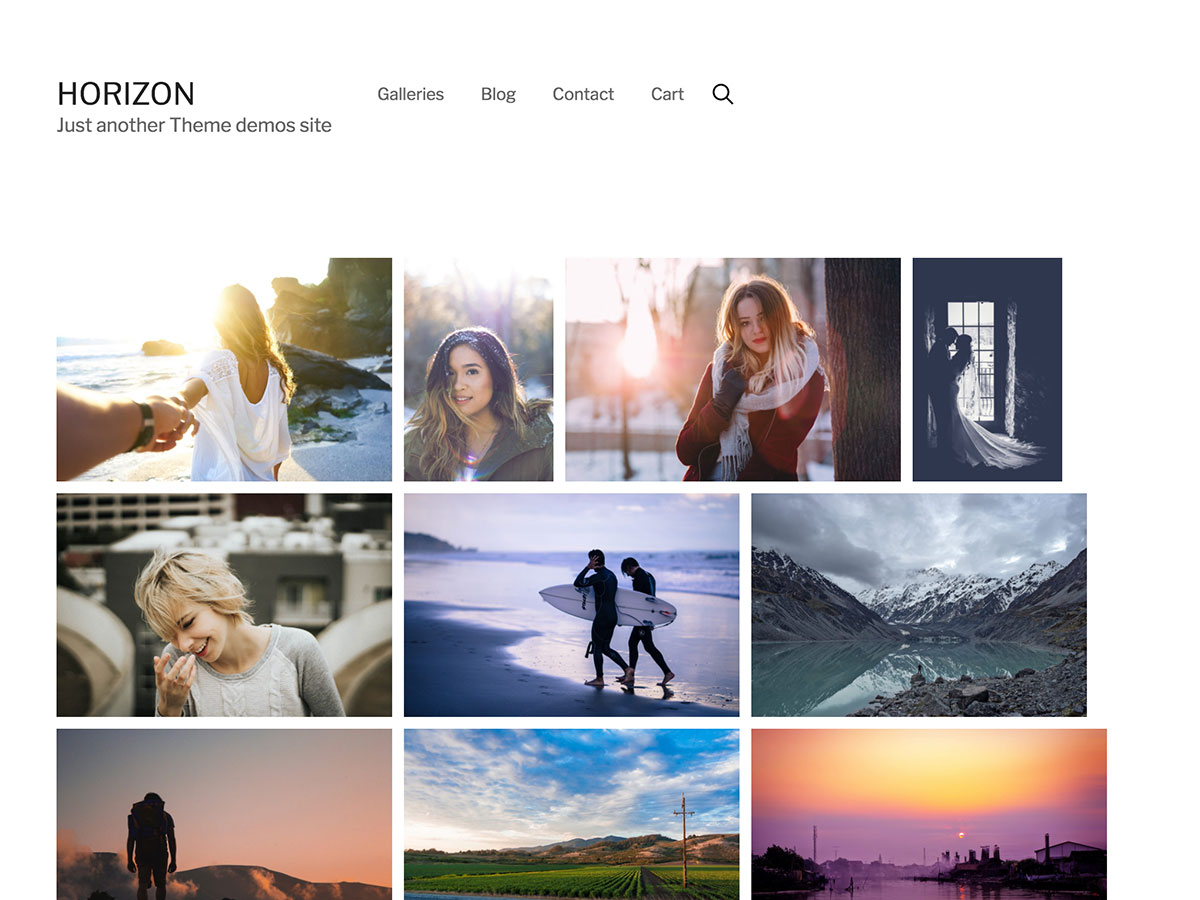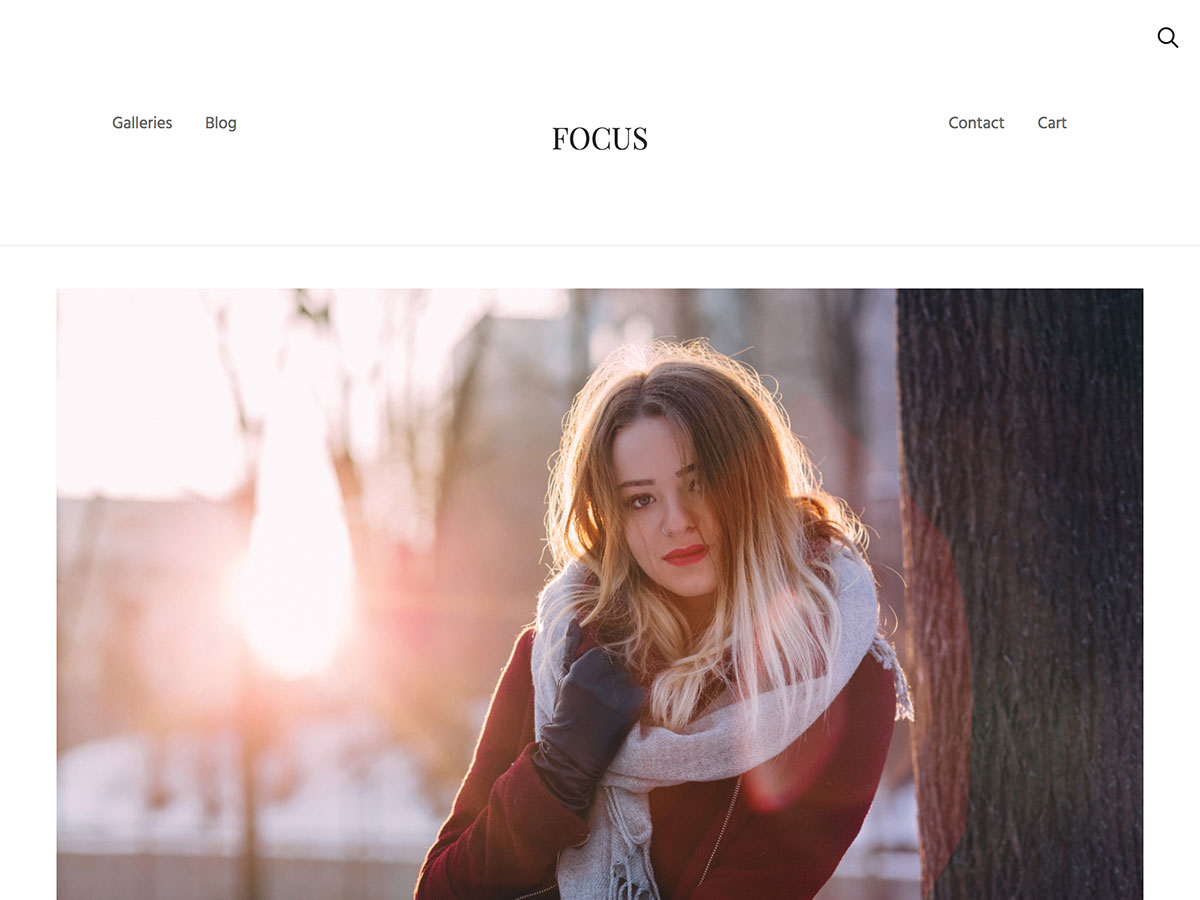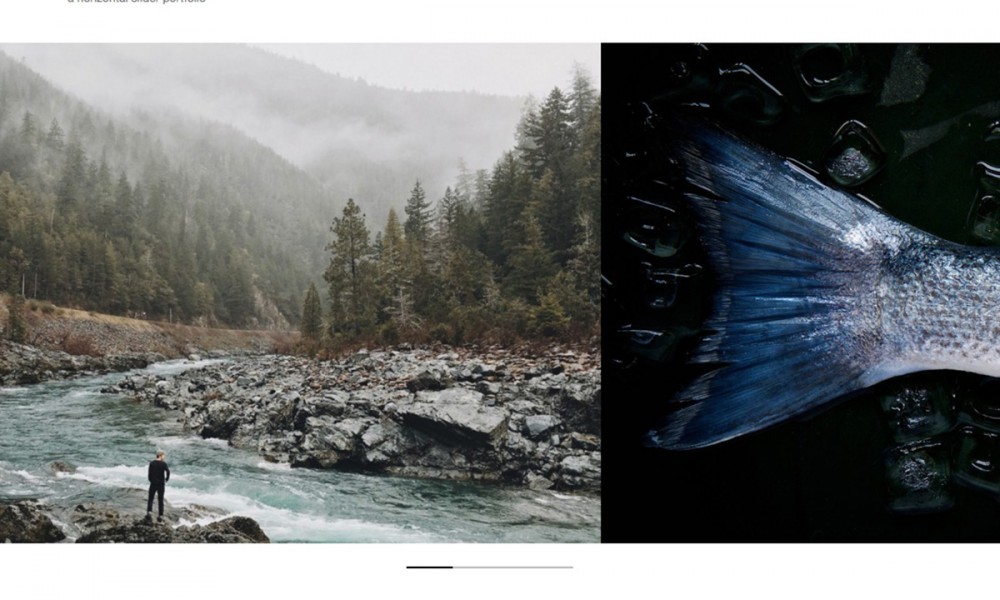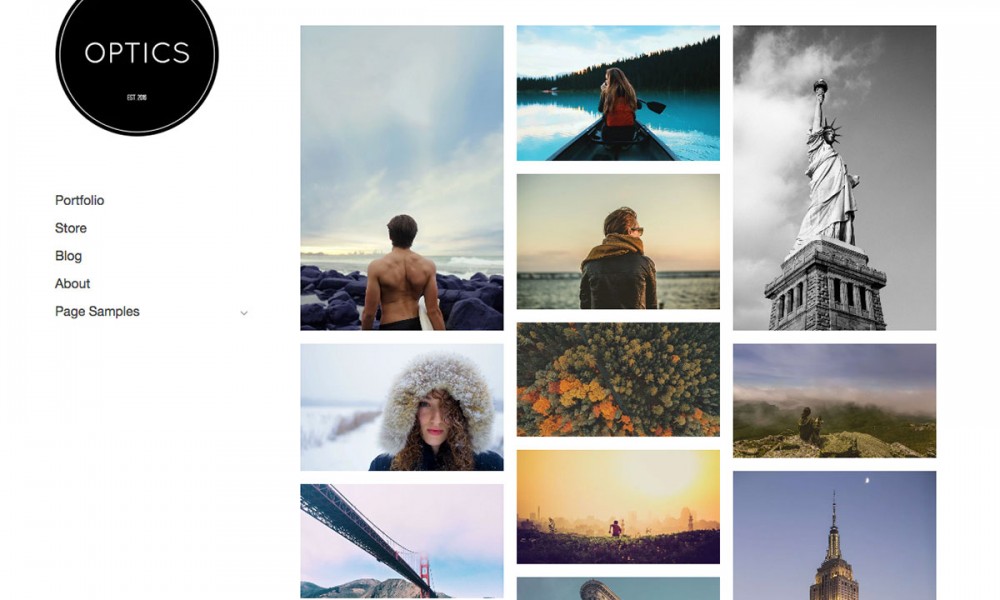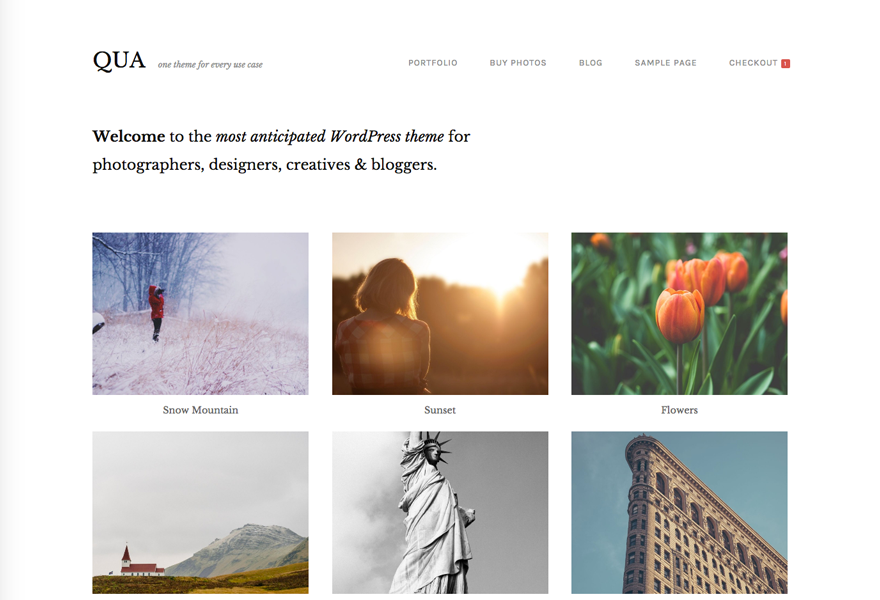
Get this theme and many others by becoming a member of Graph Paper Press. Both free and paid memberships are available. Paid memberships start at $49 for all themes and includes access to our member-only support forum, screencasts, and our member-only theme tutorial section. You can unsubscribe at anytime and keep our themes forever.
Deadwood Lite is a free minimal theme primed for writers who want to focus their online efforts on readability, pull quotes and clarity. Deadwood Lite comes packaged with:
Installation
[...] Info & Download Here Preview Here [...]
Hello, I’ve downloaded the theme -and I think it’s absolutely gorgeous.
Although, I am having a few issues heres:
I removed the quoted text in the side of each post but now the text doesn’t scale completely -it’s alined to the left.
I would like the text to take all the space reserved for the post!
I’ve checked the index.php, but I haven’t found anything relevant to help me.
Thanks in advance for your support!
Mike.
[...] Info & Download Here Preview Here [...]
hi there…
This is a really good theme.
I am using it on the site… http://www.techtrees.com
I have modified it a bit…. not more… i like it very much…
@Mike Chansen
i fixed that by commenting out a few lines on the index.php page. Look for the code below and comment them out. Hope that helps.
by
Ok for one thing, I just noticed that this template isnt Internet Explorer friendly. Not like I really bother (since IE = evil) but giving into consideration that your audience may be IE users, this could be a hassle.
I’ve made out several probs but now I can’t solve why I get the error “;” expected at Line 2 Char 202. I’ve check several times and I’ve made sure I enclosed all tags properly. Sure is a hassle.
ah sucks… i thought that pre-code tag is supported here. Anyway, here’s my fix again. Look for the line that says div class column span 5 append 1 and comment that out till its enclosure which is the closing div tag below the h3 tag enclosure. thats just a few lines below.
anyway, anyone know a workaround for this to properly work on IE?
[...] Deadwood Lite [...]
This is an extremely very well designed theme, but unfortunately it is broken in IE all versions. And as so is unusable. A total shame. Somehow the javascript error messes up the layout and the excerpt typography is all wierd.
I am new on this site, is there anyway to contact the author about this? I have tried my own workarounds to no avail. Or does anyone know if this is also a problem in the paid version?..
Like Emma Arnold, I’m not sure how the “about” and “archives” links are to work.
It wants to link to directories called “about” and “archive” in my wordpress directory.
How are these to be amended or how does this aspect work?
Many thanks.
I have a quick question about the tabs on the top. Is there any way to edit them?
Hey did you figure out this? How to change or add tabs at the top of the deadwood lite theme?
Thanks!
[...] Download | Demo [...]
Is there a way to limit the excerpted text to the left of the post to only one sentence? I notice in the screenshot that only the first sentence is being excerpted, but when I installed the theme, it is excerpting several sentences. I want to show the full post on my homepage, but just excerpt the first sentence to the left.
Thanks in advance! Great theme!!!
Nevermind, I figured it out. Sorry for asking a dumb question.
[...] Info & Download Here Preview Here [...]
[...] Deadwood Lite http://graphpaperpress.com/2008/01/05/deadwood-lite/ [...]
This website is being built for a Christmas present, all the development is being sorted out inside a sub-folder of my own website. The problem is when it calls a page (for example the about page) it will call it from my website in the main directory, not only the text but my theme as well. How do I get it to display the about page for this website, located within the sub-folder?
[...] Pré-visualização Download de “Deadwood Lite” [...]
[...] Info & Download Here Preview Here [...]
[...] Download | Demo [...]
thank you
Hi!
I know this must be a very simple question, but I’m not able to create the about us page, it goes to NOT FOUND, the same for archives..
Is there something I’m not uploading?
Thanks
[...] Release Page [...]
[...] Info & Download Here Preview Here [...]
[...] Download | Demo [...]
[...] Info & Download Here Preview Here [...]
How do you change the tabs and add more??? Also the links are not found?
Thanks,