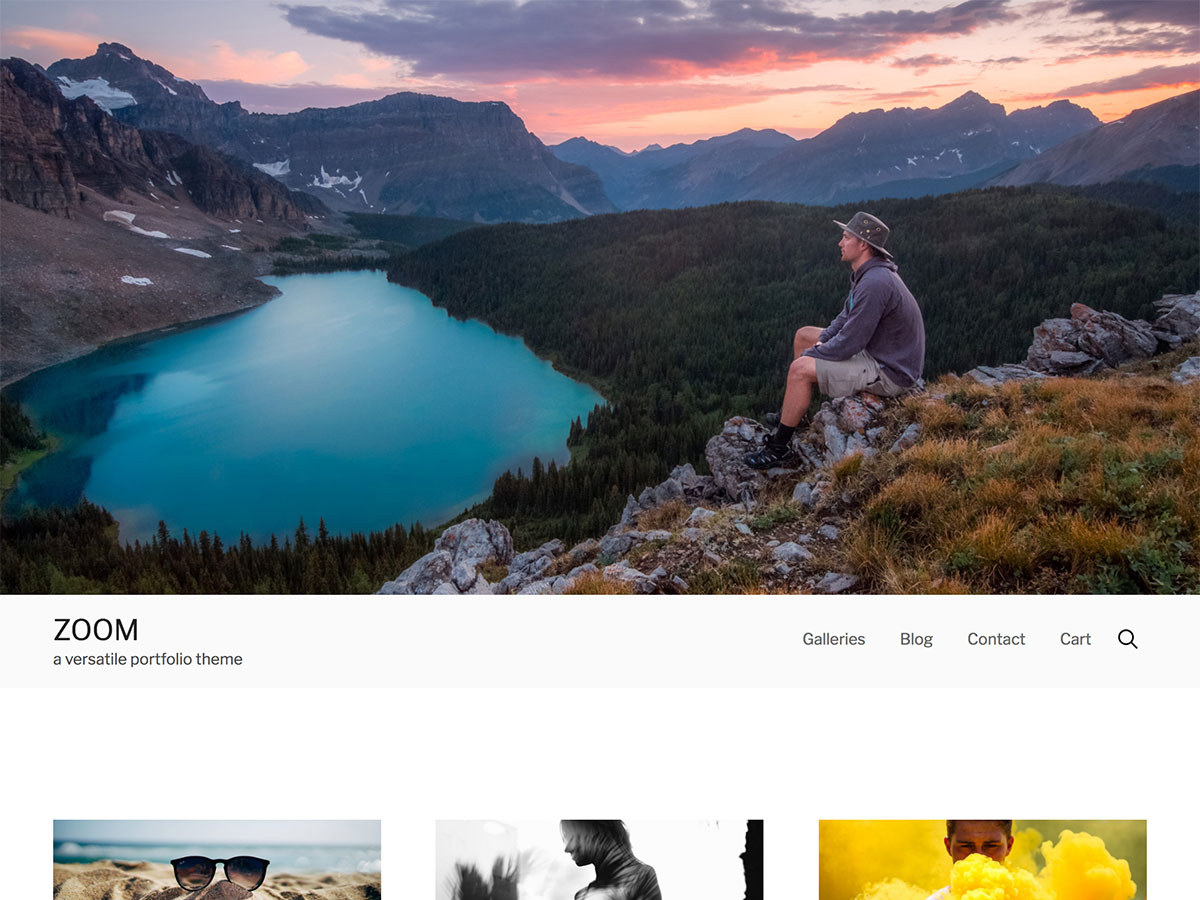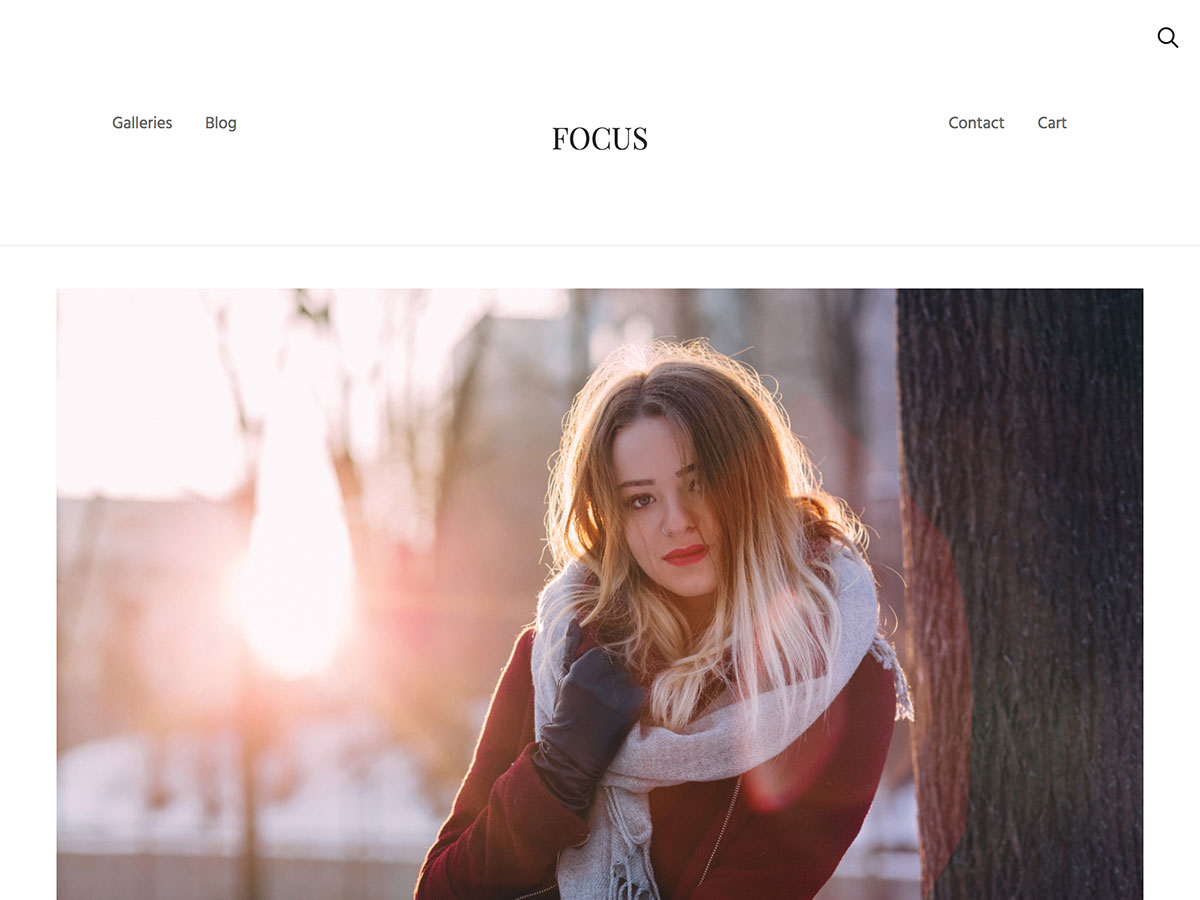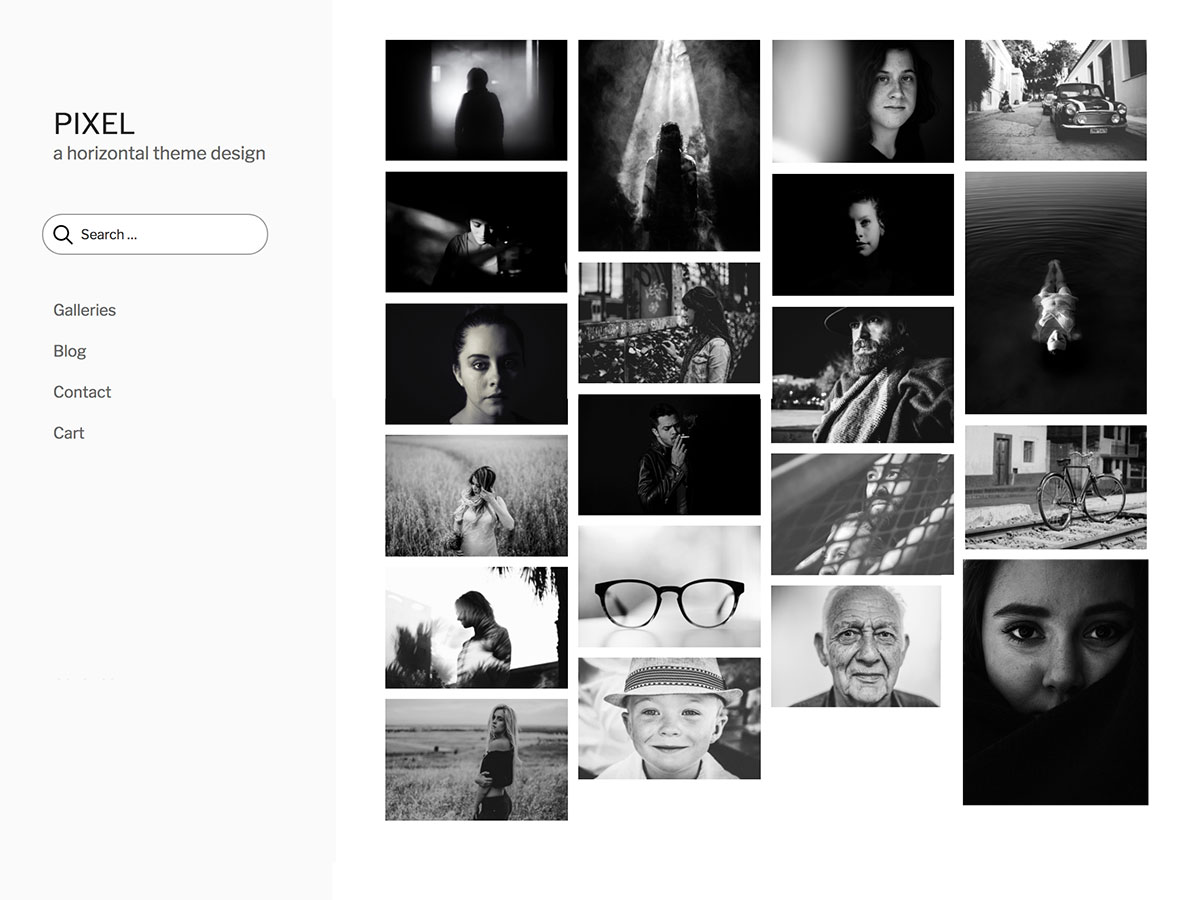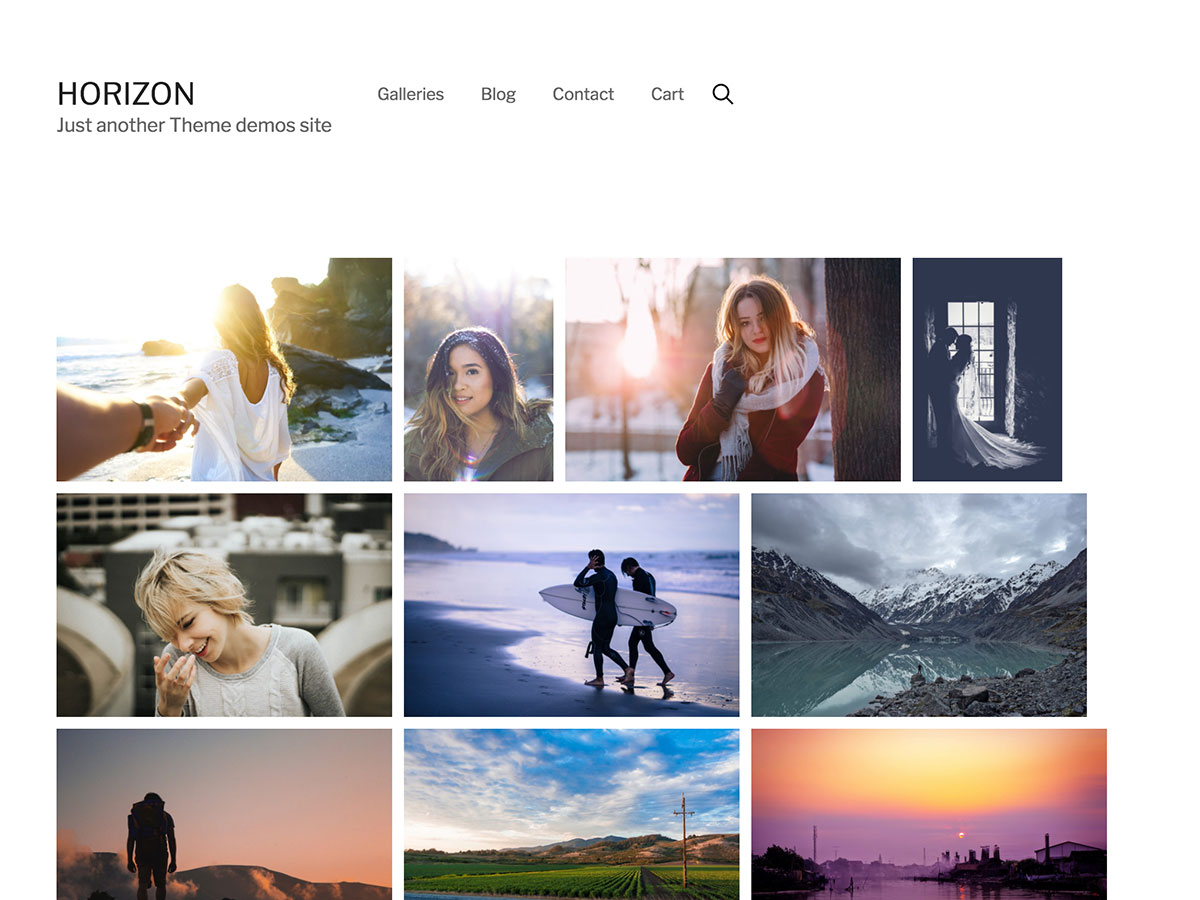
Gridline Lite
December 9th, 2007
Gridline Lite is a free minimalist theme for Wordpress 2.3 and up with full sidebar and bottombar widget support that utilizes a CSS framework to help streamline development and customization. Gridline pulls in the most recent post, with five recently posted stories listed in offset backgrounds below to keep your readers attention.
Download Gridline Lite
DOWNLOAD
This free Wordpress theme is for individuals who intend to use this theme on a single website. This is the full version and includes all scripts, theme files, and images. The credit link is required to stay in tact.
You might also like…
- Gridline News Theme for Wordpress
- Gridline Magazine Theme for Wordpress
Installation
- Unzip the downloaded file
- Upload the entire “Gridline Lite″ folder to your “/wp-content/themes/” folder
- Log in into your WordPress control panel
- Click the Presentation tab
- Select the “Gridline Lite” screenshot
Configuration
- GETTING STARTED: To change the number of main entries listed on your homepage, click Options > Reading in your Wordpress interface.
- Photos posted within each entry’s post will should not exceed 590px wide, otherwise, the images will bleed into the sidebar and make you site look icky.
- YOUR AUTHORS PAGE: Gridline Lite comes packaged with an author archive (authors.php), which will display some author specific info pulled from the Users page in your Wordpress installation. In order for the author’s image to show up, you’ll need to place a jpg of the author titled by the author’s last name in the wp-content/themes/gridline/images/authors/ folder. For instance, mine is Allender.jpg, sized at 75px X 75px. Here is an example author page.
- STYLES.CSS: Unlike most Wordpress themes which plug all the css in one file called styles.css, Gridline utilizes the Blueprint CSS framework to help separate positioning, typography, forms and what I’ll refer to as custom or gridline specific styles. To edit all custom gridline specific styles, you’ll need to edit the file style.css in your wp/wp-content/themes/gridline/ directory.
ABOUT BLUEPRINT
All Gridline Themes utilize the CSS framework called Blueprint. Who is credited for the ideas behind Blueprint? Some of the best designers on the web. They include Jeff Croft, designer for Blue Flavor, Khoi Vinh, design director for NYTimes.com, Nathan Borror, Christian Metts, Eric Meyer, Wilson Minor, Angus Turnbull, Olav Bjorkoy and a few others. Most major websites use some form of css framework to allow for rapid, consistent development and design. Take the Blueprint 101 course to learn about all the possibilities.
CAUTION
If you are new to Wordpress, HTML or CSS, Gridline probably isn’t the best theme to try to learn on. Gridline is, however, perfect for those who want to learn by doing, reading and practicing life inside a sophisticated Wordpress magazine theme.

December 11th, 2007at 3:10 am(#)
Great theme. I love it!!!
December 11th, 2007at 7:33 pm(#)
呵呵 我又同样的问题解决了 :)
heh i had same question bu it’s done
December 17th, 2007at 5:07 am(#)
cool theme…
December 17th, 2007at 7:14 pm(#)
I would like to ask you, next time if you have some time, could you please convert endline character from mac style to unix, please.
Wordpress doensn’t understand mac endlines…
December 17th, 2007at 9:02 pm(#)
@Stan S.
Just did it. Thanks for posting!
December 21st, 2007at 12:57 pm(#)
great theme! thanks a lot.
I’m having a problem - what do I need to change to make the images stand above the text and not to wrapped in the text?
thanks
December 26th, 2007at 9:05 am(#)
Great Theme,
How do I modify the rss so that it only display the content and not the title?
January 7th, 2008at 1:56 am(#)
very interesting.
i’m adding in RSS Reader
January 11th, 2008at 11:37 am(#)
Hi,
Great them! Just wondering if you have instructions for working with the wide page theme. The one at http://gridline.thadallender.com/page-2/ looks great — how do I set it up to add boxes and other sections?
Thanks so much!
January 24th, 2008at 9:07 am(#)
Gridline Light - another error: When you click the “comments” on the main index page, nothing happens, because the links points to “#comments”. Shouldn’t there be
<a href="#comments">instead?January 24th, 2008at 9:08 am(#)
Ooops. I meant: NOT just the #comments, but a link to the individual article’s page instead?
February 10th, 2008at 4:35 am(#)
Where do I edit the text for the “About ” Box on the upper right of the screen?
February 12th, 2008at 1:42 am(#)
Runs perfectly fine after some adjustments in German on my website.
February 16th, 2008at 1:42 am(#)
Hey, I just cranked up your awesome theme. How I also have the same problem where images do not clear a line after. I have tried changing the style.css to clear the floats on img tags, but it is not working. I hate to ask you since I know this has to be an easy thing to fix. Can you help me on this? Thanks!
February 18th, 2008at 12:49 am(#)
Also, the “Previously” section displays the same stories that are displayed on the front page, not the true previous stories.
February 22nd, 2008at 1:45 am(#)
Anyone know how to change the code so that you actually come to the comment, when clicking on “Comment” from a post on the start page?
March 24th, 2008at 12:02 am(#)
many tanks
April 15th, 2008at 11:24 pm(#)
中国代码模板模型站:www.see80.com.cn
QQ猪博客:www.55gz.com.cn
中国公务员考研网:www.t5t6.com.cn
吾主题桌面:www.fofx.cn
中国修复优化大师:www.anyba.cn
劳资非主流:www.pklo.com.cn
May 9th, 2008at 3:51 pm(#)
admin, I have trouble with this theme, when I post the images in the template deconfiguration me, please help me :S