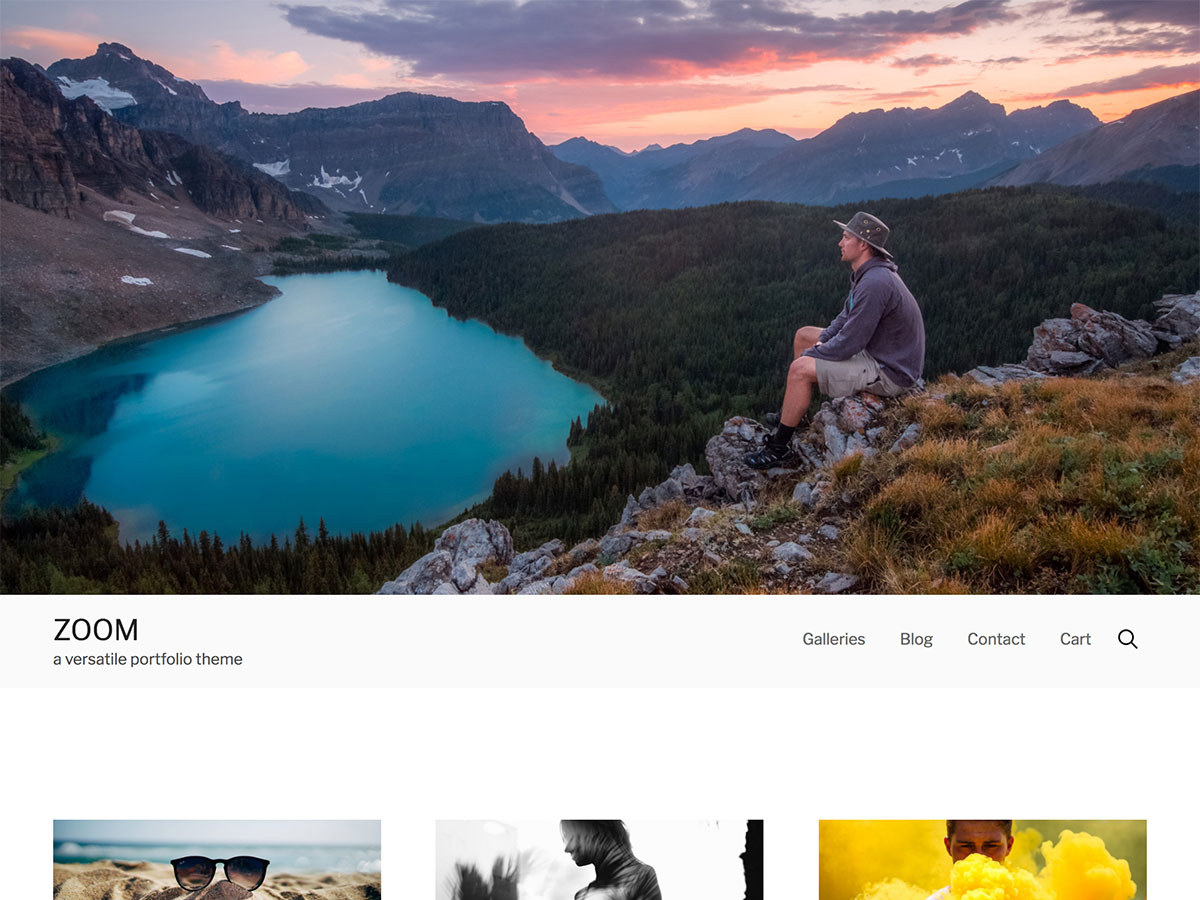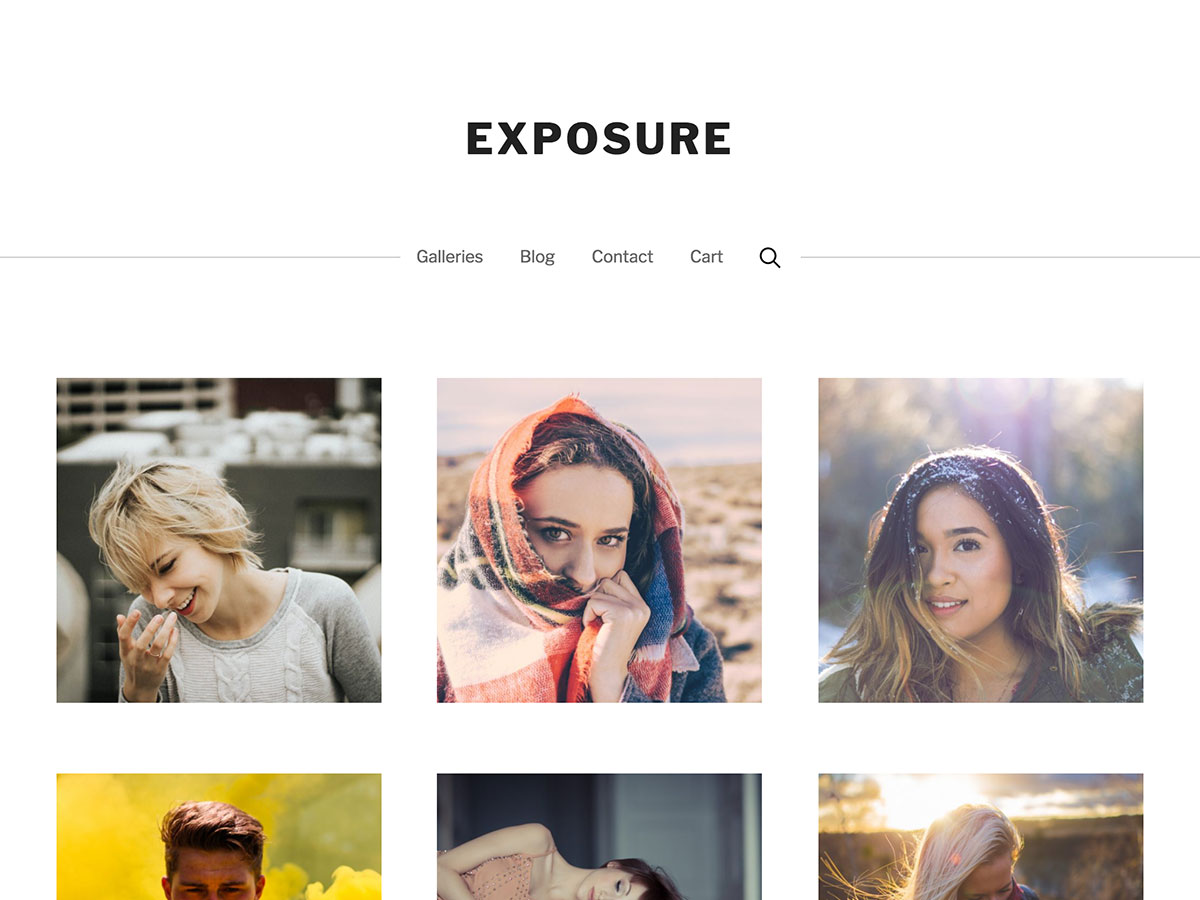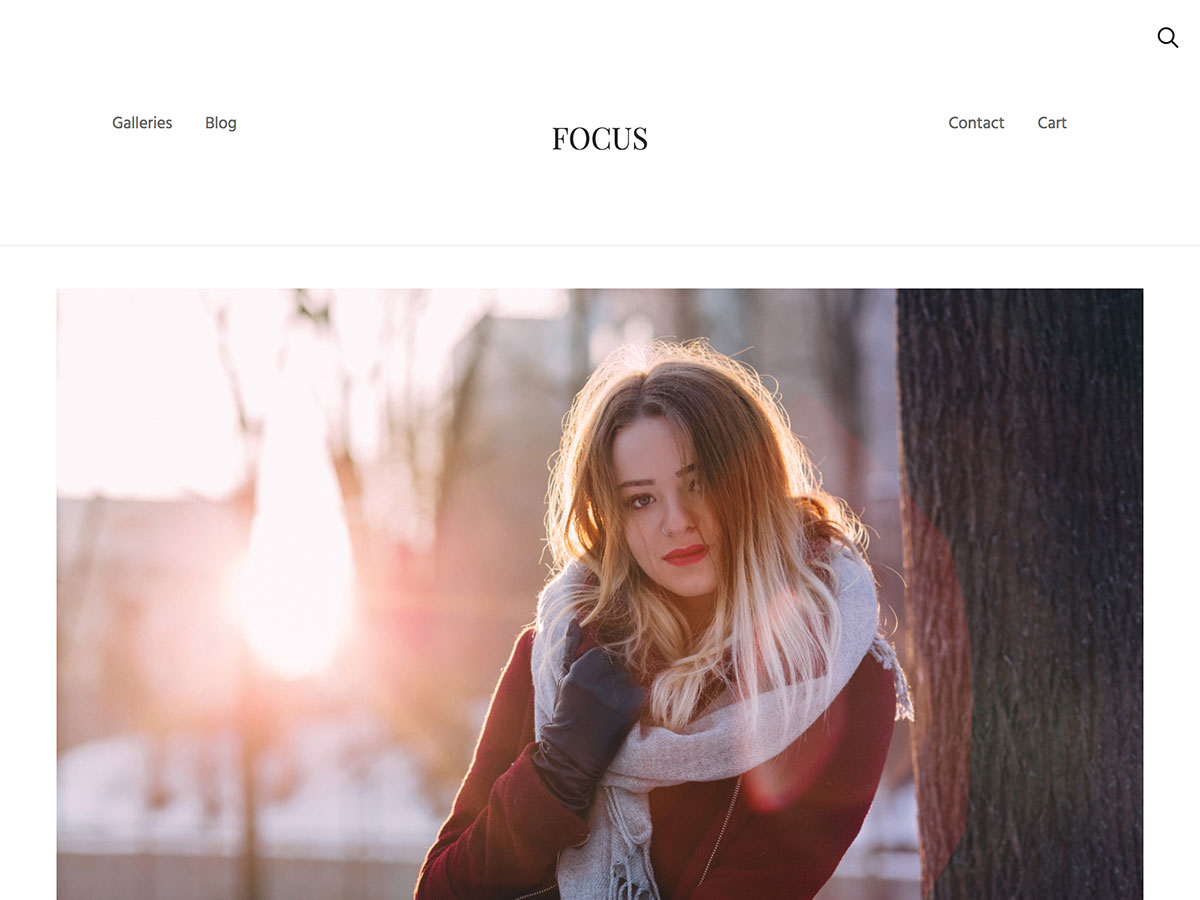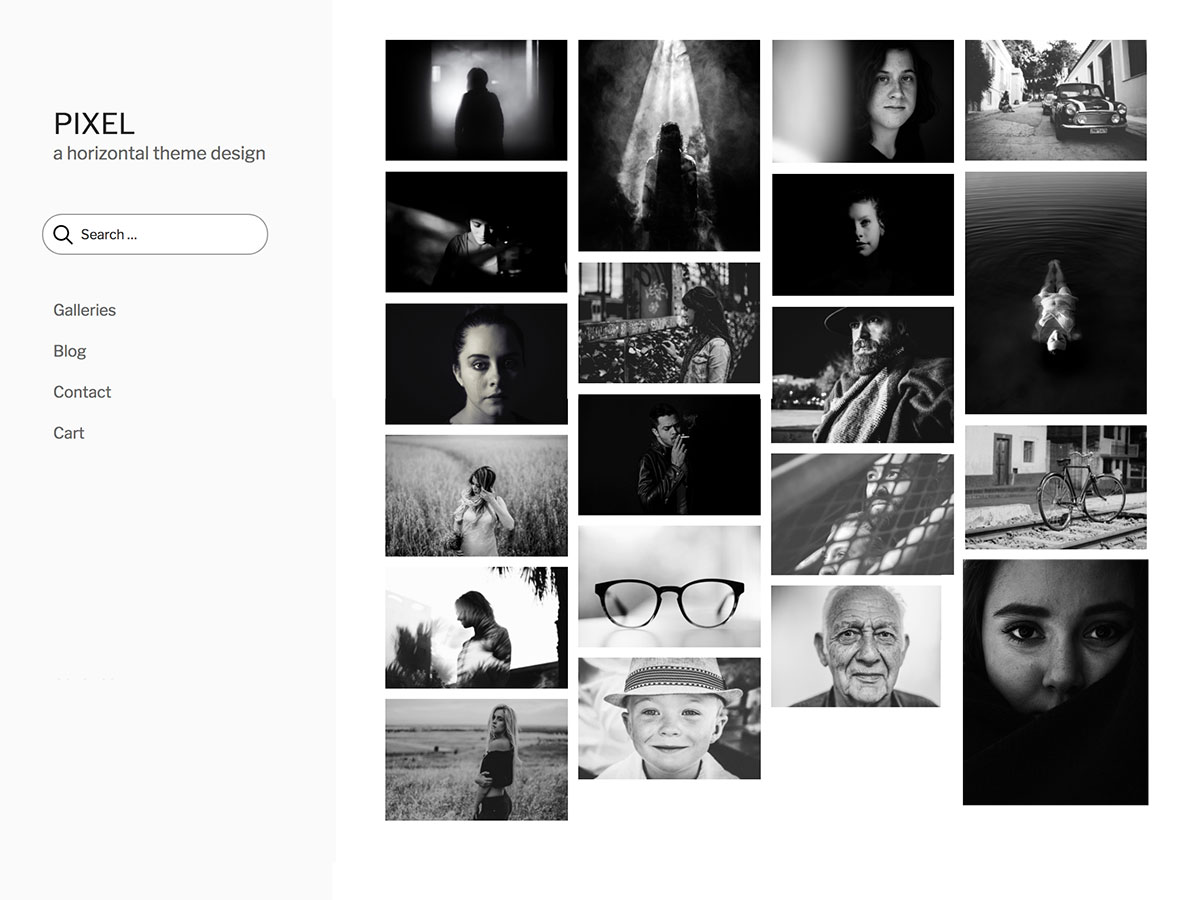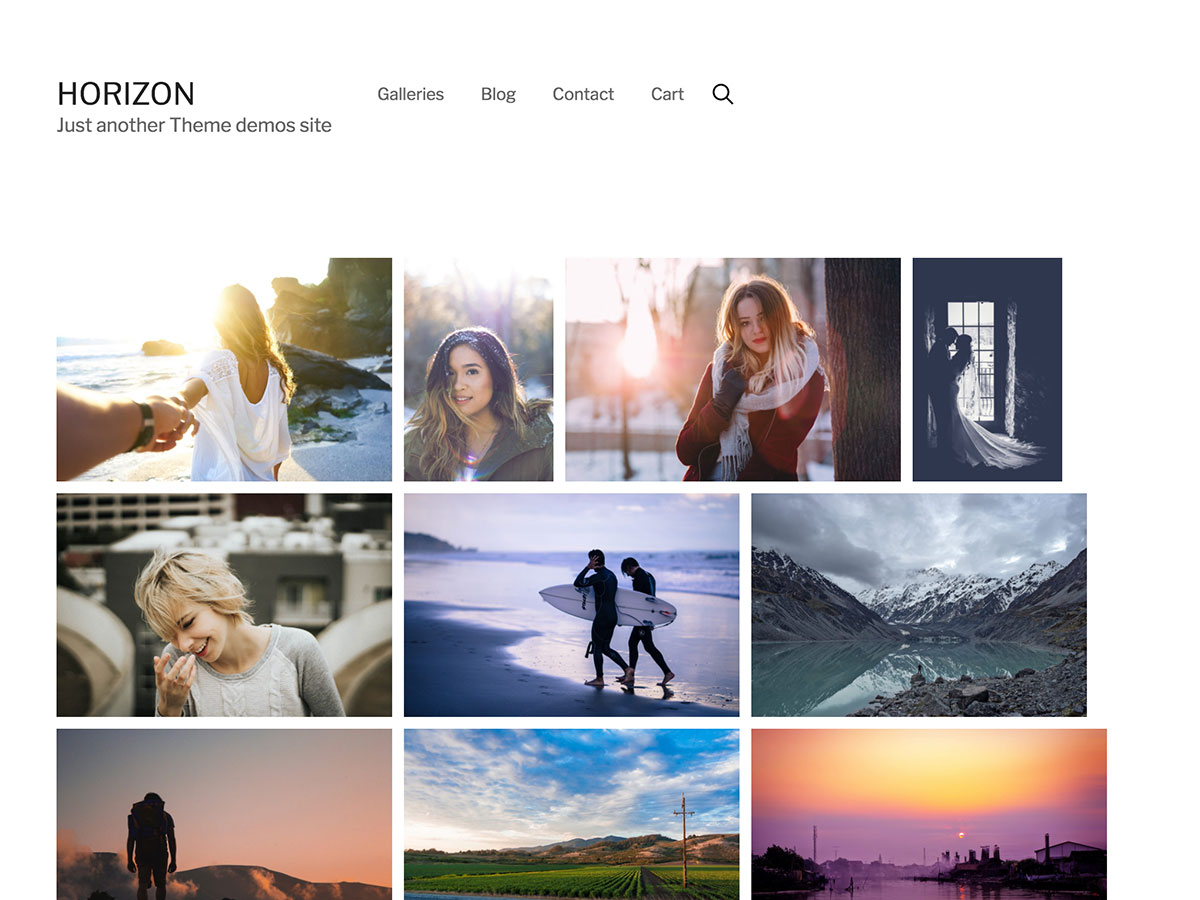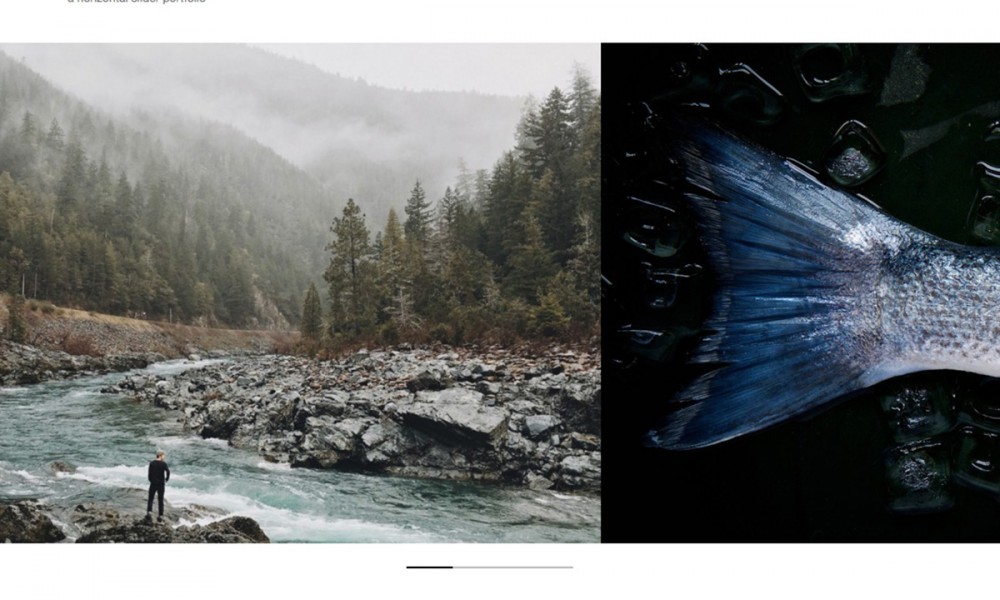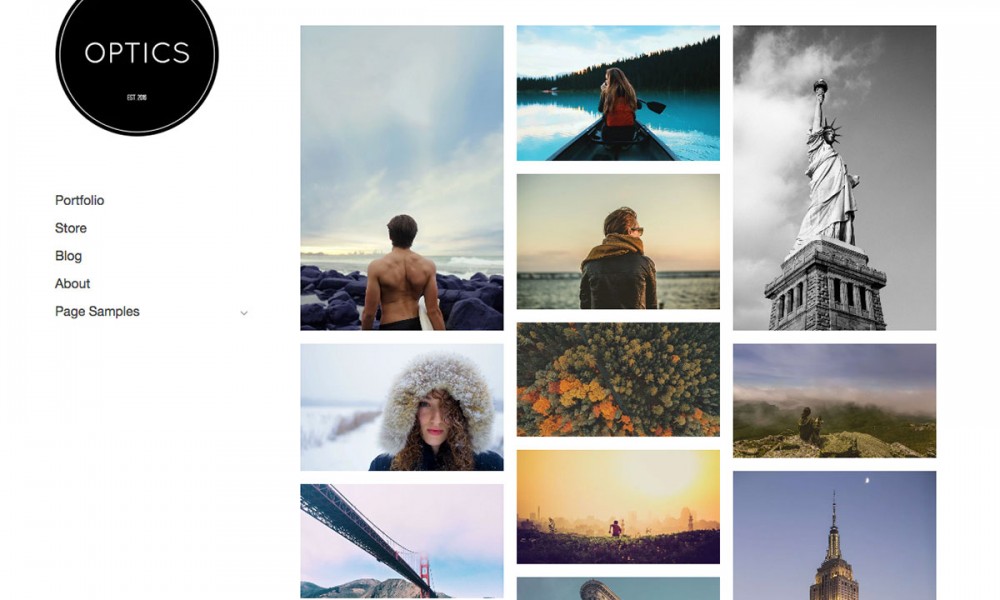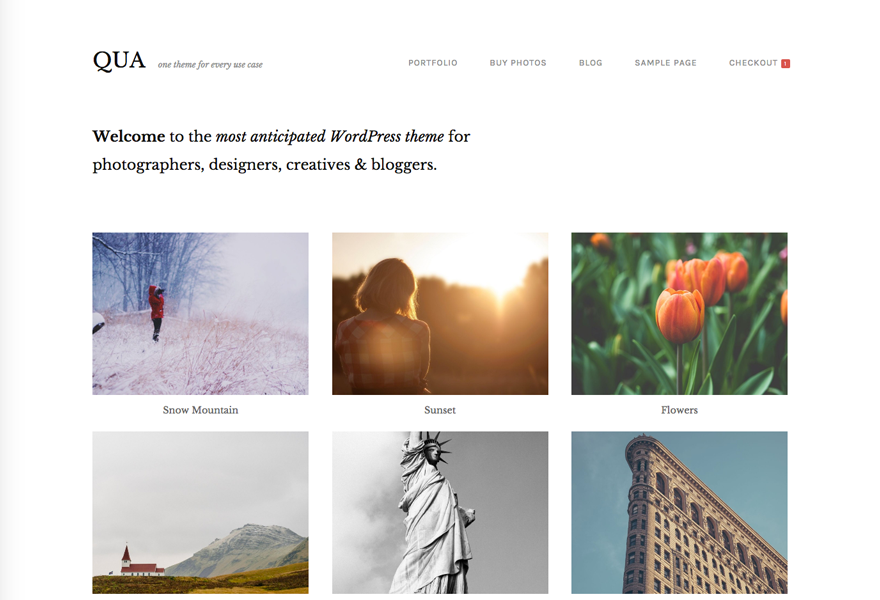
Modularity Lite is a free multimedia theme framework for Wordpress by Graph Paper Press. The theme design was developed with users who appreciate visual browsing and prefer a minimal layout, with their photos and multimedia featured front and center. In the future, we will be releasing “child themes” to provide design alternative and additional applications (apps) that will work with Modularity Lite. You’ll definitely want to subscribe to GraphPaperPress.com to get all the latest developments and enhancements for Modularity Lite.
Modularity Lite includes:
What is a “multimedia theme framework?” It’s actually quite simple. Using Modularity Lite as your base theme, Graph Paper Press will release “child themes,” which will add additional functionality and design features to Modularity Lite. You’ll definitely want to subscribe to GraphPaperPress.com to keep up on all the latest developments and enhancements for Modularity Lite.
Modularity Lite: A Multimedia Theme Framework For Wordpress…
Modularity Lite is a free multimedia theme framework for Wordpress by Graph Paper Press. Modularity Lite includes: Optional homepage slideshow, Optional homepage one or two column blog-style layout, Theme Options page, where you can define background, …
[...] Modularity Lite [...]
[...] there have been some changes made to the website. I’m using a slightly tweaked version of Graph Paper Design’s excellent Modularity Lite theme and spent most of the morning processing some photos for the slideshow [...]
[...] a theme options page. The theme cost me 75$ and I think they are well spent. But there is also a Modularity Light version which is for [...]
[...] re-design. I might even have to do a missionblvd.com Version 2.0. Right now I’m thinking Modularity Lite (from Graph Paper Press) or Nishita. At either rate, it’s going to involve a radical change [...]
[...] page is running Wordpress 2.7. The wonderful people over at GraphPaperPress provide the stunning Modularity-Lite theme, which I might tweak as far as needed. Currently I am [...]
[...] Modularity Lite | Demo | Details [...]
[...] [Demo] [Download] [...]
[...] thumbnails using custom fields Blueprint CSS framework Valid, clean code Modularity Lite Demo | Theme URL/Download 本文来自: Modularity Lite – Free WordPress Theme 收藏与分享 – Beta: Windows Live [...]
[...] Demo | Download & Info [...]
[...] new theme is based on Modularity Lite by GraphPaperPress. I chose this template originally out of compromise, but now I’ve been [...]
[...] Info • Demo [...]
[...] Demo | Theme Info [...]
[...] Demo | Theme Info [...]
[...] Demo | Theme Info [...]
[...] Demo | Theme Info [...]
[...] Demo | Theme Info [...]
[...] Theme Homepage » [...]
Modularity Lite…
¡…
[...] Modularity Lite by Thad Allender from Graph Paper Press [...]
[...] Demo | Theme Info [...]
[...] Demo | Get it [...]
[...] Demo | Theme Info [...]
[...] Modularity Lite is a free multimedia theme framework for Wordpress by Graph Paper Press. The theme design was developed with users who appreciate visual browsi …continue [...]
[...] Theme URL Demo Download [...]
[...] Theme URL Demo Download [...]
[...] Demo | Theme Info [...]
[...] Modularity Lite [...]
[...] that I used that is based on the grid framework is from Graph Paper Press and it’s called Modularity Lite. It was quite a good free theme, and there is the premium Modularity Theme [...]
[...] Theme URL Demo Download [...]
Hi – I installed the theme and the slideshow was working but then stopped working and the height changed to 590 (and included part of the next photo) even though I told it in the theme options to be 425. I overrode the max height in the CSS as a temporary fix, but I would really like the slideshow to start working again. that is the only change to the style I did… I did install some widgets, but nothing crazy.
any suggestions?
fixed it… started deactivating plugins… stupid social network plugin was overriding the theme for some reason! @#$#$
I wanted to post some of my questions here I wasn’t able to solve. The theme is awesome but it does require a lot of tweaking for it to work perfectly on the blog. Too bad the support forum is closed but at least maybe here in the comments someone will post an answer.
1. Did anyone find out how to replace the blog title with a custom logo.png file? I realize some edits need to be made to header.php and style.css but I can’t find out what to change…
2. I added additioanal drop down menu “in someone else’s eye” dispalying links from category 3. Unfortunately the name ‘in someone else’s eye” is being displayed again once you click the dropdown. How to make it display just like ‘pages’ or ‘categories’ ?
The code I have is:
In someone else’s eye
3. I want to change the post area width to around 800px and make the sidebar smaller. I want to post pictures with 750px width. Do you know what to edit to change that?
4. Images are all aligned to the left although all of them are set up to be centered. Someone mentioned here to deleted 2 lines from style.css but that did not solve the problem for me or I deleted incorrect lines) . Do you know how to fix the problem with images automaticaly floating to the left?
Great theme, love the design.
ad.2.
my code for the links from category 3 dropdown is:
In someone else’s eye
I found solutions for my questions 1,3 & 4 – logo instead of blog title, post area width and images aligning left – soon I’ll post information on my blog – in the meantime feel free to ask if you have similar questions !
Any idea how can I generate all the thumbnails? Lots of my post that have photos don’t have a thumbnail.
Thanks!
Problem solved! It had to do with my server.